
How to Decommission Old Business Computers the Right Way: A Practical Guide for Organizations
Most organizations reach the same point eventually: a closet full of retired laptops, a server room with equipment no one wants to touch, or an IT refresh that leaves twenty workstations with nowhere to go. Figuring out what to do with old company laptops and other surplus hardware isn't complicated, but doing it correctly requires more than dropping equipment at the nearest drop-off bin.
This guide covers what responsible decommissioning actually involves, how to verify that your recycler is legitimate, and what options exist beyond recycling.
Decommissioning Is Not the Same as Recycling

This distinction matters more than most organizations realize. Electronics recycling refers to the physical processing of materials — recovering metals, plastics, and components from end-of-life electronics. Decommissioning is the full process of retiring equipment from organizational use, which includes data destruction, asset tracking, and, at the end, recycling or remarketing.
Organizations that skip straight to "we recycled the old computers" without addressing data destruction first are only partly solving the problem. A device can be sustainably recycled and still represent a live data liability if the drive wasn't properly wiped before it left your office premises.
Step 1: Know What You Have
A basic sense of your surplus equipment — make, model, approximate condition — goes a long way toward making the decommissioning process faster and the outcome more predictable. Most ITAD providers can work from a simple spreadsheet, and for organizations that haven't maintained a running asset log, a qualified provider can help with the inventory step itself.
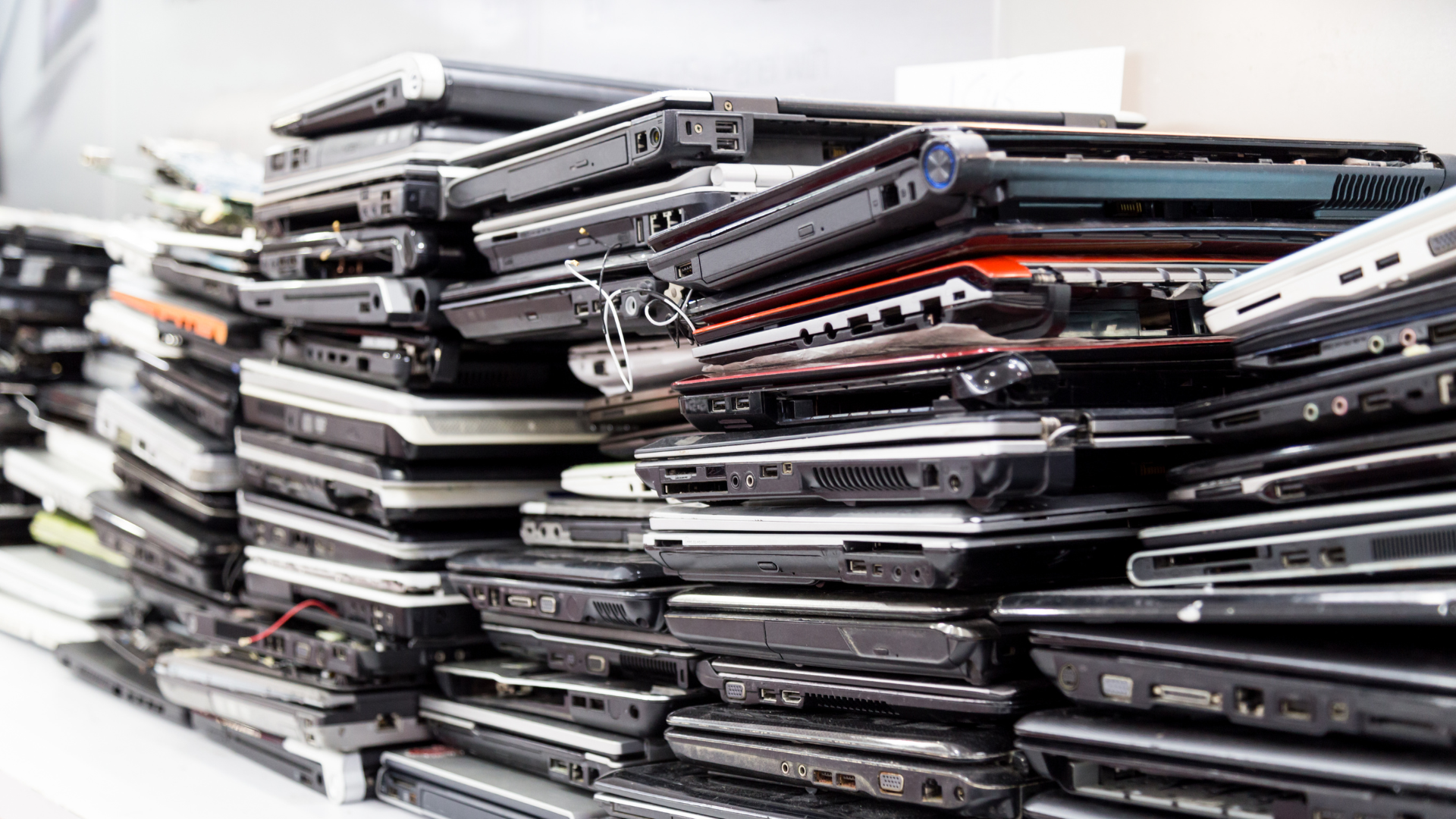
The reason that this matters at the start and not after is because not all end-of-life equipment has the same destination. Depending on age, condition, and type, devices may be processed differently, and a qualified provider will assess that during the engagement rather than treating everything as scrap. Knowing what you have going in means the process is faster, the documentation is cleaner, and you fully understand the implications of available options.
For organizations managing larger refreshes, like a school replacing a full device cohort, or a hospital cycling through workstations, this upfront step also makes it easier to plan logistics, especially if equipment is spread across multiple locations or departments.
Step 2: Choose a Certified Provider and Schedule Pickup
The choice of recycler is not just a logistics decision; it’s a data security concern as well.
An uncertified or unvetted recycler creates chain-of-custody gaps: points in the process where your organization no longer controls what happens to a device or its data. Once equipment leaves your facility without proper documentation, you have no defensible record of what was destroyed, when, or to what standard. That exposure doesn't transfer to the recycler. It stays with you.
The right provider has to satisfy two requirements: credentials you can verify, and operational capability that works for your organization. Here’s why they matter:
NYS DEC Registration: This confirms that a facility is operating legally under New York's Electronic Equipment Recycling and Reuse Act (EERRA) which prohibits the disposal of covered electronics (computers, monitors, printers, and televisions) in landfills or with regular solid waste. An unregistered facility isn't just an environmental risk, but a sign that the operation isn't subject to the oversight that responsible handling requires.
R2-Certified Downstream Partners: R2 (Responsible Recycling) is a certification developed by SERI, the Sustainable Electronics Recycling International organization. It sets the standards not just for how devices are handled, but for every vendor downstream in the processing chain. This matters because e-waste moves through multiple handlers before materials are recovered. A data breach doesn't have to happen at your facility — it can happen three steps later, with a subcontractor no one told you about. Verify that your provider is R2-certified or works with R2-certified downstream partners.
Certificate of Destruction: This is your documentation that data destruction occurred, to what standard, and on which devices. Any recycler performing certified data destruction for contracted devices should produce this as a matter of course.
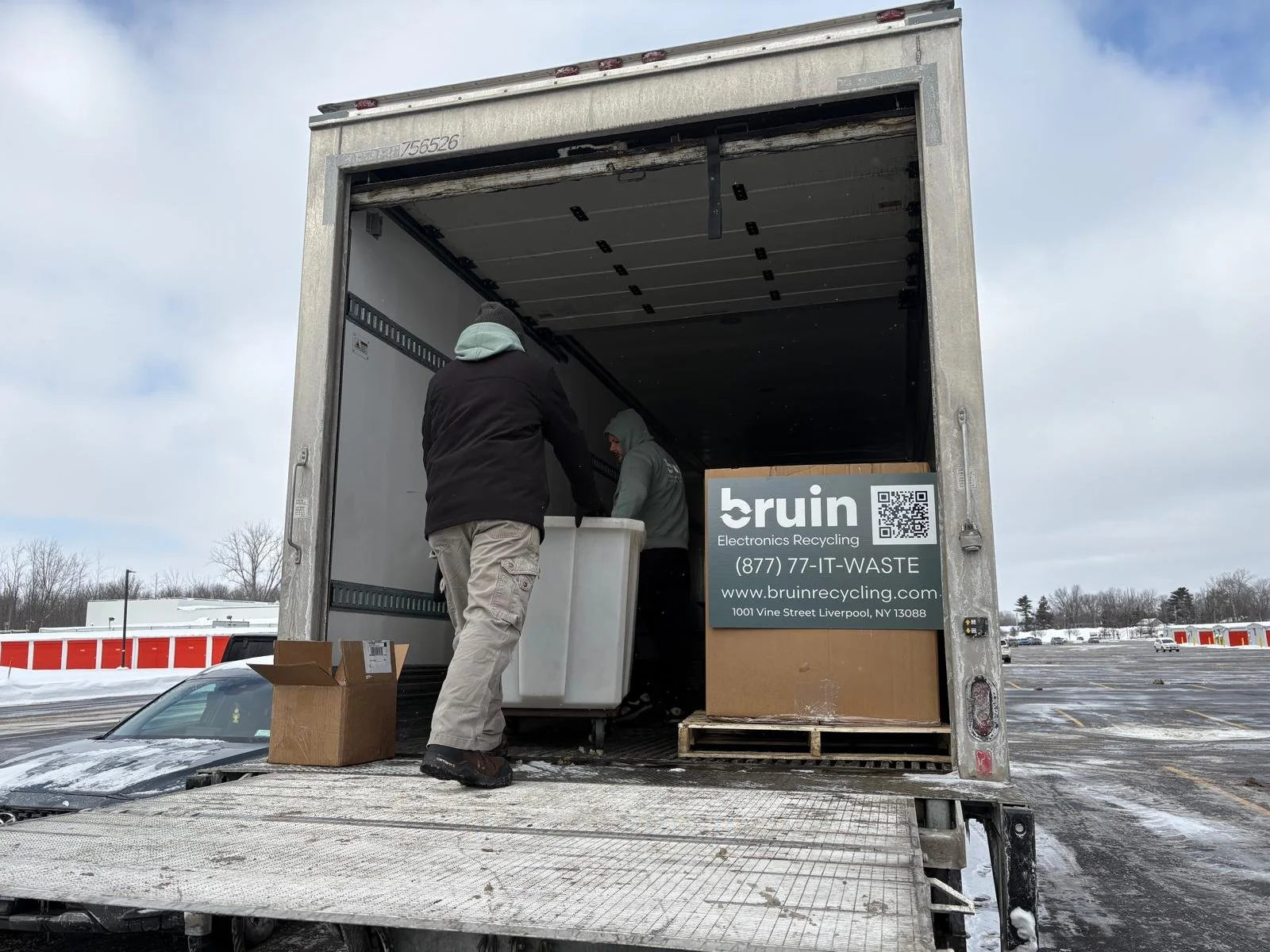
Pickup Logistics: For most organizations, the practical question about surplus computer recycling is whether the provider comes to you. Depending on the recycler, pickups could be free or come with a handling fee depending on equipment volume and type. This service eliminates the need to sort, palletize, or transport equipment yourself.
Step 3: Ensure Data Destruction
Once your provider is on-site or your equipment has been collected, certified data destruction happens to all contracted devices before anything is processed downstream. This is where the liability question gets resolved and why the certificate of destruction matters.
The two primary standards your provider should reference are:
NIST 800-88, published by the National Institute of Standards and Technology, covers media sanitization across three levels: Clear, Purge, and Destroy. Federal contractors and agencies are frequently required to follow NIST 800-88; it's also widely adopted in the private sector as a baseline.
DoD 5220.22-M is a Department of Defense standard for overwriting data. While newer NIST guidance has largely superseded it in federal contexts, many ITAD providers still reference it and it remains a recognized benchmark.
For healthcare organizations specifically, HIPAA requires that protected health information (PHI) be rendered unreadable and unrecoverable before devices are disposed of. That requirement applies whether the device is being recycled, remarketed, or sent to a certified partner. Penalties for improper PHI disposal range from $100 to $50,000 per violation, depending on culpability, and the liability stays with the originating organization regardless of what happens downstream.
The certificate of destruction your provider issues at this stage is your paper trail if compliance is ever questioned. Make sure it specifies which devices were processed, to what standard, and by whom.
Step 4: Electronics Recovery and/or Recycling
Understanding the downstream process helps organizations evaluate whether their recycler is doing what they claim.
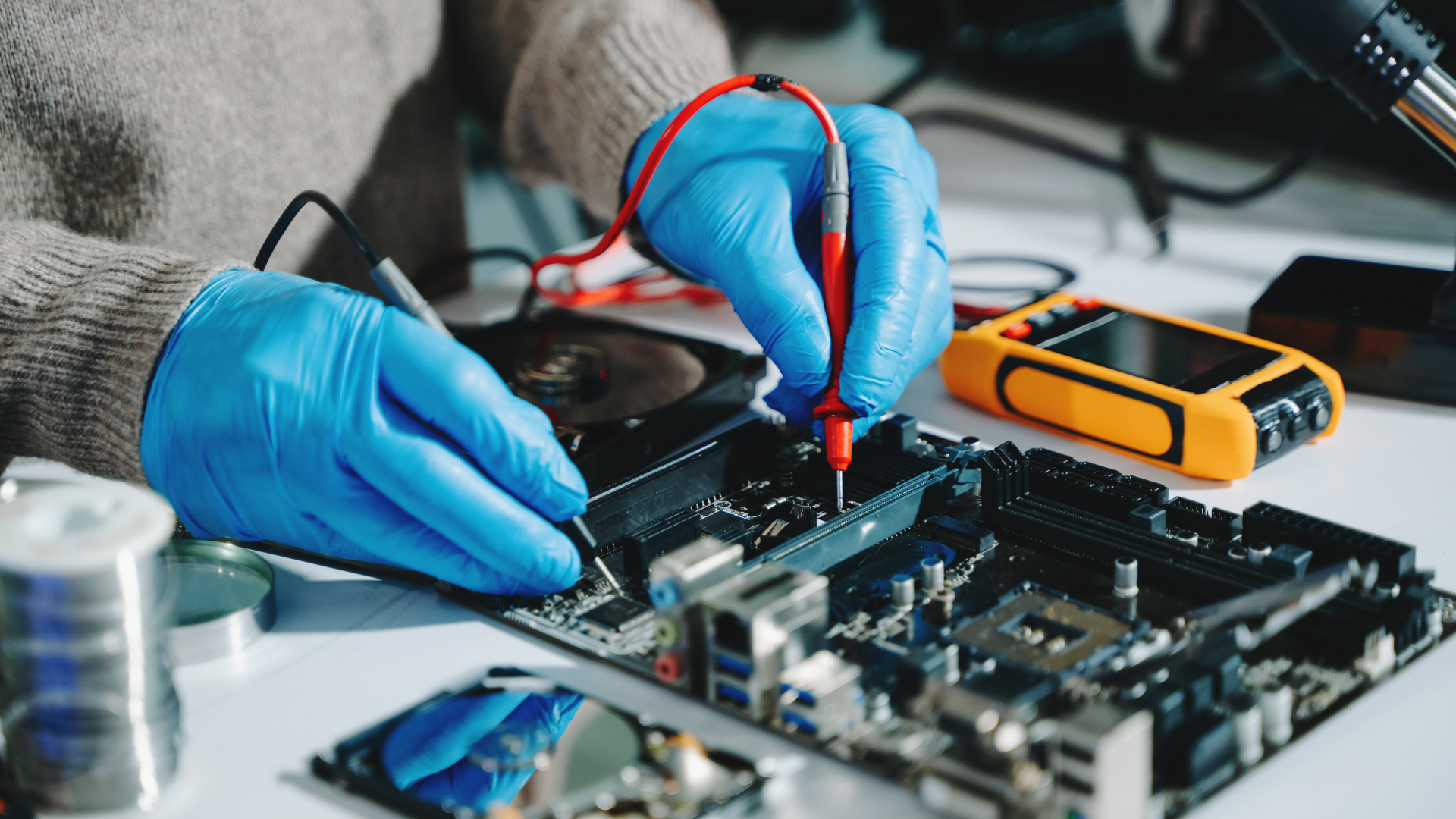
Devices are first assessed and processed according to their condition and type. Not everything that leaves your facility follows the same path, and a qualified ITAD provider manages that routing as part of the service. What can be responsibly extended in its useful life is. What can't is disassembled for material recovery by certified downstream partners. Hazardous materials are routed to certified handling facilities — zero landfills.
Recurring vs. One-Time Pickup
Organizations that generate IT equipment on a regular cadence — schools running annual device refreshes, healthcare systems cycling through workstations, enterprises managing rolling lease returns — benefit from a structured pickup schedule rather than ad hoc requests.
A recurring arrangement means equipment doesn't accumulate in storage, compliance documentation stays current, and IT staff aren't pulled away from other work to manage logistics. For organizations managing ongoing hardware disposal for business purposes, building end-of-life asset management and recycling from the start is significantly less disruptive than handling it as an afterthought when equipment volumes become unmanageable.
A Note on Compliance by Sector
Requirements vary by industry, but a few are worth flagging:
Healthcare: HIPAA data destruction requirements apply to any device that stored PHI. Documentation is essential.
Government and federal contractors: FISMA requirements and NIST 800-88 sanitization standards typically apply before equipment leaves organizational control.
All New York organizations: EERRA applies regardless of sector. Improper disposal of covered electronics carries enforcement authority and real penalties.
Secure Electronics Decommissioning and Recycling
Decommissioning old business computers correctly comes down to four things: know what you have, choose a certified provider, ensure data destruction is documented, and understand where your equipment goes. Organizations that treat this as a compliance and risk management process rather than a facilities problem handle it more efficiently and with significantly less risk.
Bruin offers free or low-cost nationwide pickups for organizations of all sizes, with certified data destruction services and responsible recycling through R2-certified downstream partners. NYS DEC-registered. No sorting required. Reach out for a free assessment today.